Introducing TeleferiKa

With the TeleferiKa app, survey times are reduced, planning is optimized, and installation is simplified.

Screen5en

Why use TeleferiKa?

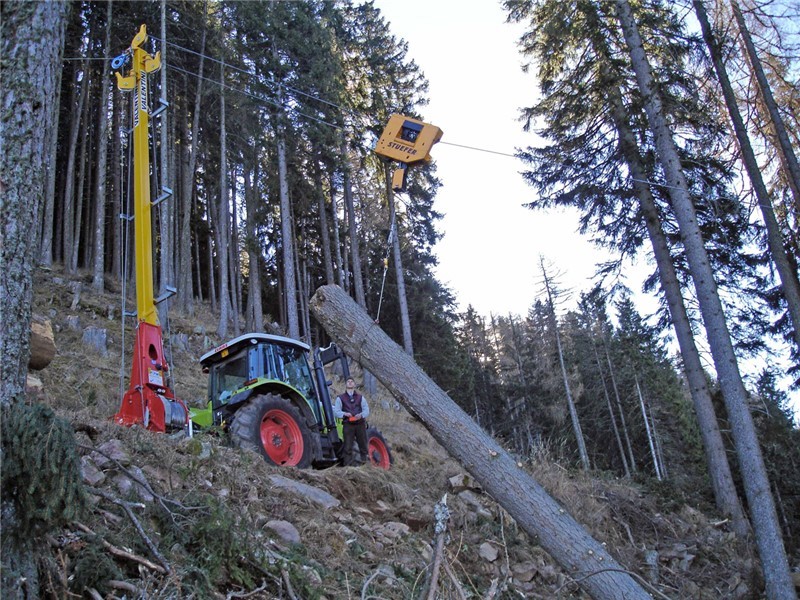
This app streamlines the design of cable crane lines by supporting efficient field data collection.
It allows real-time visualization of the line’s position and direction, and enables users to select and document intermediate points with notes and photos.
The app automatically calculates the azimuth angle and displays GPS coordinates to ensure precise point documentation.

Corteccia e farfalla

TeleferiKa Features

The application was developed in collaboration with industry experts and academics to integrate theoretical concepts with practical field experience.

Project Management

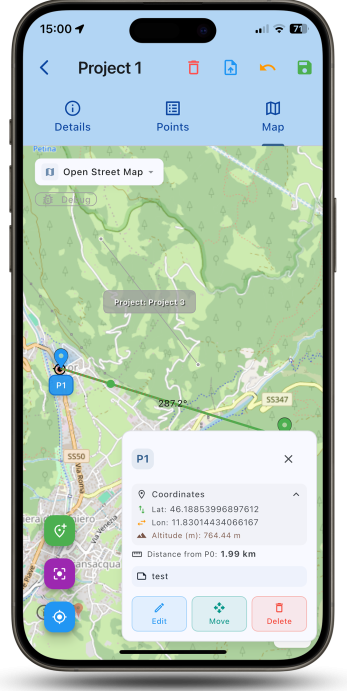
Each cable crane is treated as a standalone project. Individual projects can be viewed on the map, or multiple projects can be displayed simultaneously when working on the design of several cable cranes.

Azimuth Angle

There are several ways to visualize a cable crane project with the correct orientation. The application allows you to set the azimuth angle and the starting point, displaying them directly on the map. Alternatively, you can set the start and end points, and the app will automatically calculate the azimuth angle. If the azimuth angle, starting point, and an estimated length are set, the app will display a guideline on the map indicating the hypothetical path of the cable. Should the starting or ending point be modified during the survey, the app will automatically recalculate the azimuth.


Data Sharing

Once completed, a cable crane project can be exported in multiple formats. This allows it to be processed with specialized software (e.g., QGIS) or shared with other users.

Maps

Users can choose from different types of maps. The application also allows downloading a specific section of the map for offline use. This enables map viewing and consultation even without an internet connection, for example in forested or remote areas.

Data Accuracy

Each project is enriched with extensive data essential for its implementation. Distances between individual points and the total length of the cable line are calculated automatically, taking terrain morphology into account. Notes can be added at the project level or for individual points to highlight relevant information. For each point, photos with specific notes can also be attached. For every intermediate point, the angle formed by the cable is calculated, and the app flags any angles that exceed a threshold, which could complicate the construction of the cable line. Additionally, for each point, the deviation from the theoretical cable alignment is calculated to indicate the distance from the ideal path.

Open Source

The application, developed in collaboration with the University of Palermo, the University of Molise, and the University of Roma Tre as part of the Agritech OpenDigiFor Spoke 4 project, is now available for free on the Apple and Google stores.

TeleferiKa Features

The application was developed in collaboration with industry experts and academics to integrate theoretical concepts with practical field experience.

Project Management

Each cable crane is treated as a standalone project. Individual projects can be viewed on the map, or multiple projects can be displayed simultaneously when working on the design of several cable cranes.

Azimuth Angle

There are several ways to visualize a cable crane project with the correct orientation. The application allows you to set the azimuth angle and the starting point, displaying them directly on the map. Alternatively, you can set the start and end points, and the app will automatically calculate the azimuth angle. If the azimuth angle, starting point, and an estimated length are set, the app will display a guideline on the map indicating the hypothetical path of the cable. Should the starting or ending point be modified during the survey, the app will automatically recalculate the azimuth.
Data Sharing

Once completed, a cable crane project can be exported in multiple formats. This allows it to be processed with specialized software (e.g., QGIS) or shared with other users.

Maps

Users can choose from different types of maps. The application also allows downloading a specific section of the map for offline use. This enables map viewing and consultation even without an internet connection, for example in forested or remote areas.

Data Accuracy

Each project is enriched with extensive data essential for its implementation. Distances between individual points and the total length of the cable line are calculated automatically, taking terrain morphology into account. Notes can be added at the project level or for individual points to highlight relevant information. For each point, photos with specific notes can also be attached. For every intermediate point, the angle formed by the cable is calculated, and the app flags any angles that exceed a threshold, which could complicate the construction of the cable line. Additionally, for each point, the deviation from the theoretical cable alignment is calculated to indicate the distance from the ideal path.

Open Source

The application, developed in collaboration with the University of Palermo, the University of Molise, and the University of Roma Tre as part of the Agritech OpenDigiFor Spoke 4 project, is now available for free on the Apple and Google stores.

OpenDigiFor

Digital Innovation for Forest Management. This ambitious project aims to revolutionize the forestry sector through advanced digital technologies, from on-site planning to the precise design of cable crane lines and comprehensive timber assessment.

Project Objectives

1

The project focuses on the development and implementation of open-source technologies (both hardware and software). These innovations will automatically integrate collected information and enable cross-analysis. This approach aims to support a more precise evaluation of harvesting interventions and minimize the impact of forest operations.

2

The project also involves the development and implementation of technologies to assess the characteristics of harvested timber and processed products once they are stacked at the landing. This crucial step aims to maximize the added value of production and enable the diversification of output towards various market segments.

WP2 Digital Technologies for Landscape Preservation

JLB Books is proud to actively contribute to OpenDigiFor (specifically, WP for the study of support tools for surveying, designing, and dimensioning cable crane lines). We are dedicating our expertise to foster a more efficient and sustainable future for forestry.

TeleferiKa is now available on Android and iOS.

Designed for professionals working in forestry sites, TeleferiKa is the app that supports you directly in the field.
From real-time data collection to efficient operation planning, every feature is designed to simplify your work and boost productivity.

devices

Simplify the measurement process
with our devices

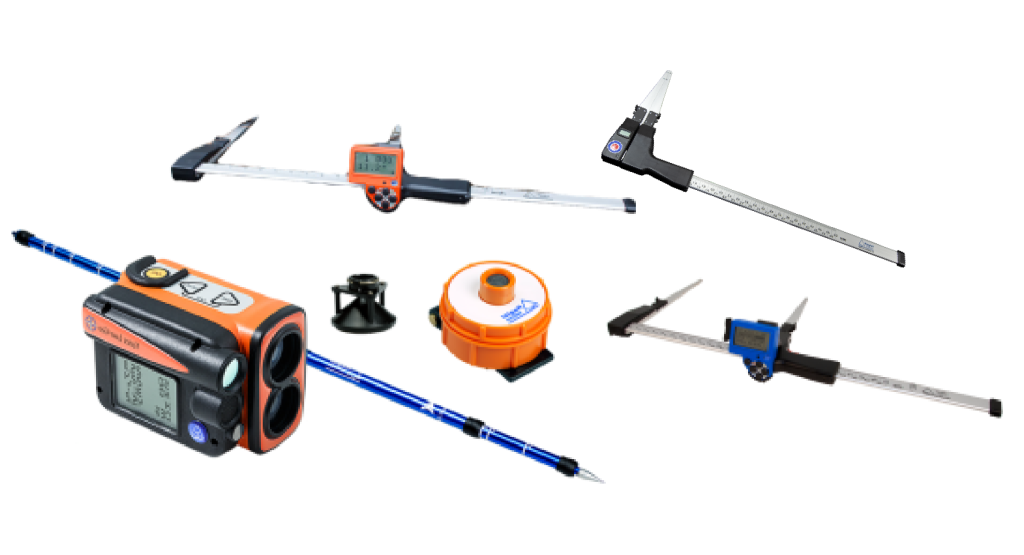
Our technicians have enabled the JBosk app to communicate, via Bluetooth, with the following devices. Discover their advantages!

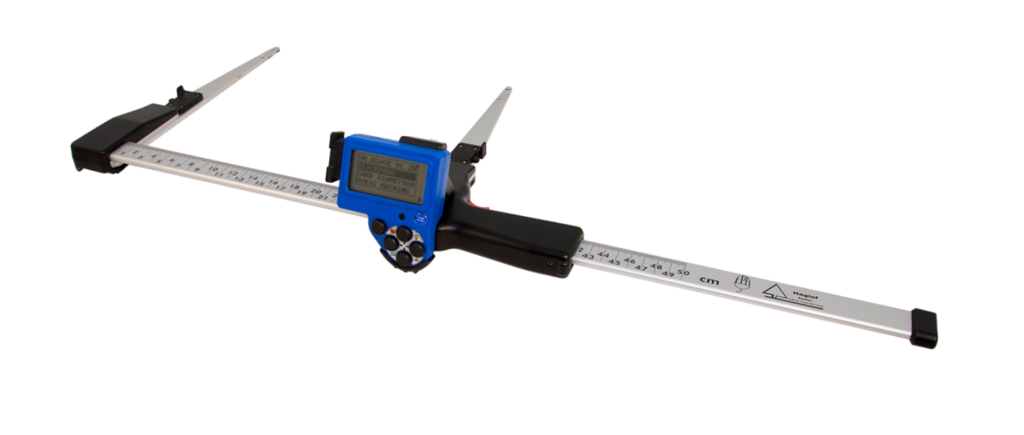
CALIPER DPII +

Robust and highly efficient electronic caliper that allows the measurement of tree diameter, both standing and on the ground.

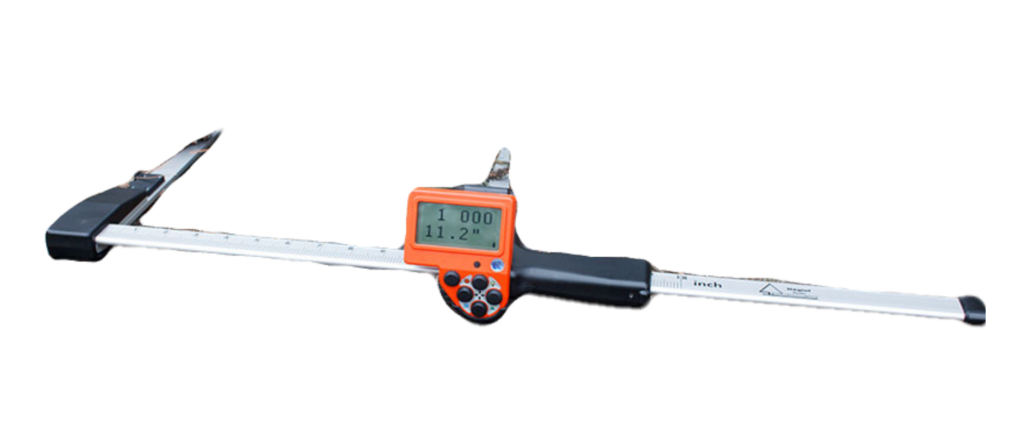
CALIPER MDII +

Traditional electronic caliper that only allows the export of raw measured data.

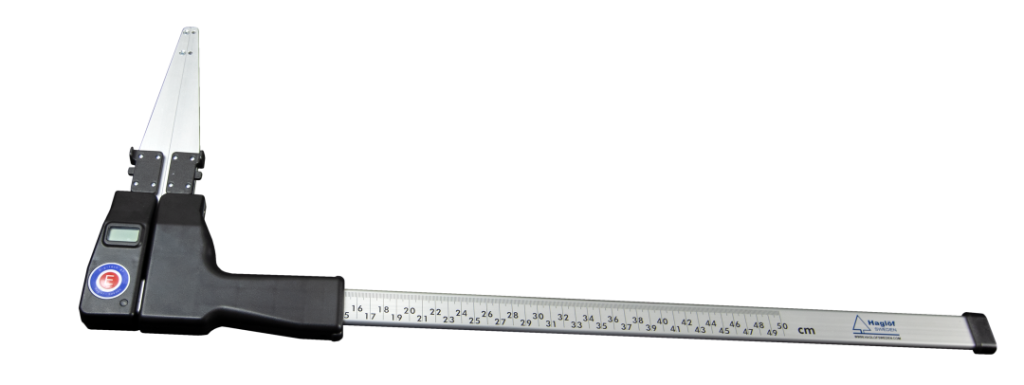
Digitech BT Digital Caliper

Electronic caliper, developed to communicate wirelessly on-line

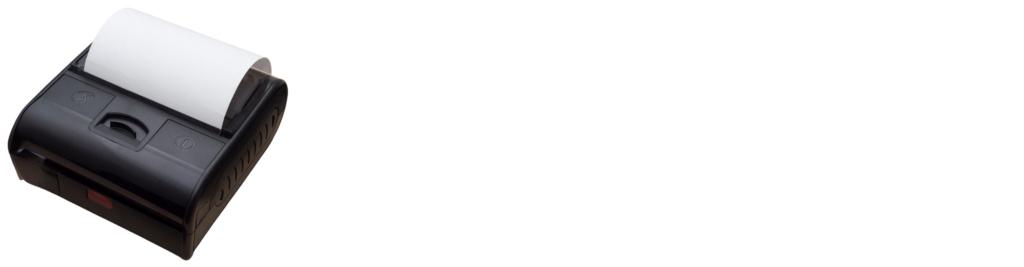
PRINTER

Portable and easy-to-carry printer thanks to its small size and light weight, durable battery, and standard 80mm paper roll. It guarantees fast printing in any environment.

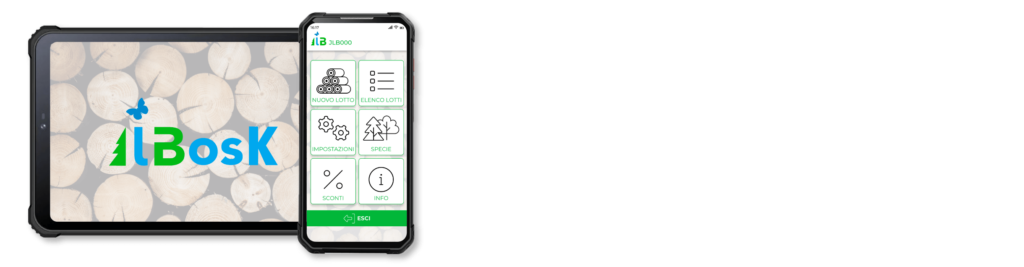
INDUSTRIAL SMARTPHONE OR TABLET

8 or 10-inch rugged Android tablets for use with the jBosk system are selected and proposed terminals to allow the easy use of jBosk in harsh environments.

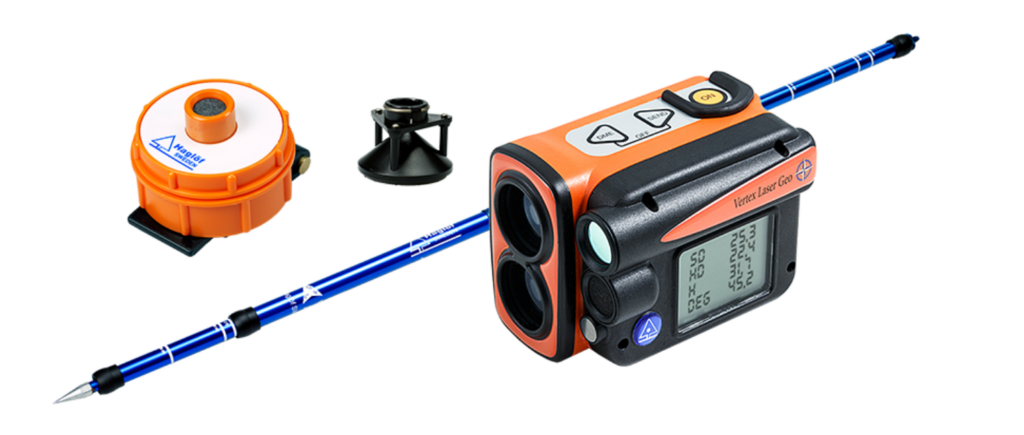
VERTEX LASER GEO

Highly versatile instrument for collecting data in open fields.

CALIPER DPII +

Robust and highly efficient electronic caliper that allows the measurement of tree diameter, both standing and on the ground.

CALIPER MDII +

Traditional electronic caliper that only allows the export of raw measured data.

VERTEX LASER GEO

Highly versatile instrument for collecting data in open fields.

Digitech BT Digital Caliper

Electronic caliper, developed to communicate wirelessly on-line

INDUSTRIAL SMARTPHONE OR TABLET

8 or 10-inch rugged Android tablets for use with the jBosk system are selected and proposed terminals to allow the easy use of jBosk in harsh environments.

PRINTER

Portable and easy-to-carry printer thanks to its small size and light weight, durable battery, and standard 80mm paper roll. It guarantees fast printing in any environment.

contacts

Download and try the TeleferiKa app directly.

Interested in TeleferiKa but need modifications or more information?
Contact us by filling out the form below.